Seamlessly bridge the gap between our 3D Map Generator and your website. Our WordPress plugin empowers web designers and map creators to import, fully customize, and publish interactive 3D terrain projects without writing a single line of code. Simply upload your exported Embed Set (ZIP) package directly into your dashboard. The plugin automatically processes your raw maps, letting you fine-tune viewer dimensions, responsive camera behaviors, custom popups, and environmental lighting natively from your WordPress admin panel.
The plugin is included for free with every 3D Map License. Once purchased, the installation file is immediately available for download directly from your user dashboard.
Publish Maps In 3 Simple Steps
1. Export From Generator
Build your custom 3D landscape and markers, then download the project as an Embed Set (ZIP) file.
2. Import & Customize
Upload the ZIP directly into your WordPress plugin library. Fine-tune your lighting, edges, and popups in the live admin preview.
3. Embed Everywhere
Copy your custom shortcode and instantly insert your maps into any standard page, post, or block builder layout.
Core Plugin Features
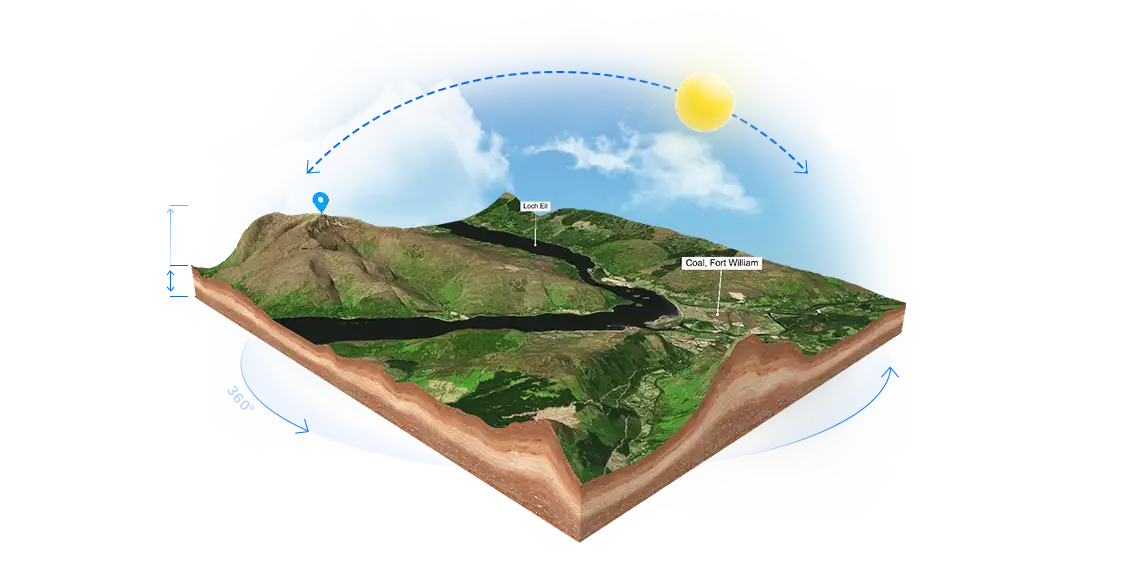
- ZIP Import: Upload standalone Embed Sets directly into WordPress with automatic verification.
- Map Library: Organise all maps with thumbnails, previews, shortcodes, and direct edit controls.
- Shortcode Embeds: Paste maps anywhere using simple, lightweight
tags. - Live Preview: Tweak viewer metrics, shadows, and edge styling with real-time feedback inside the admin.
- Viewer Scaling: Fine-tune viewer dimensions, zoom parameters, custom camera tilt, and isometric layouts.
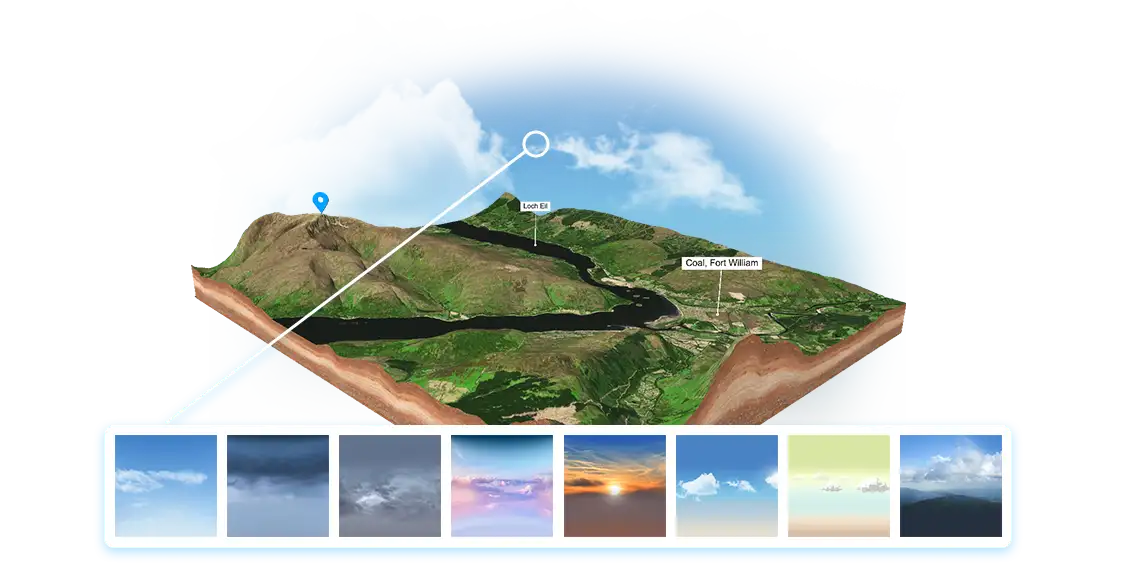
- Skybox & Backgrounds: Swap environment maps, select flat backing tones, or keep them fully transparent.
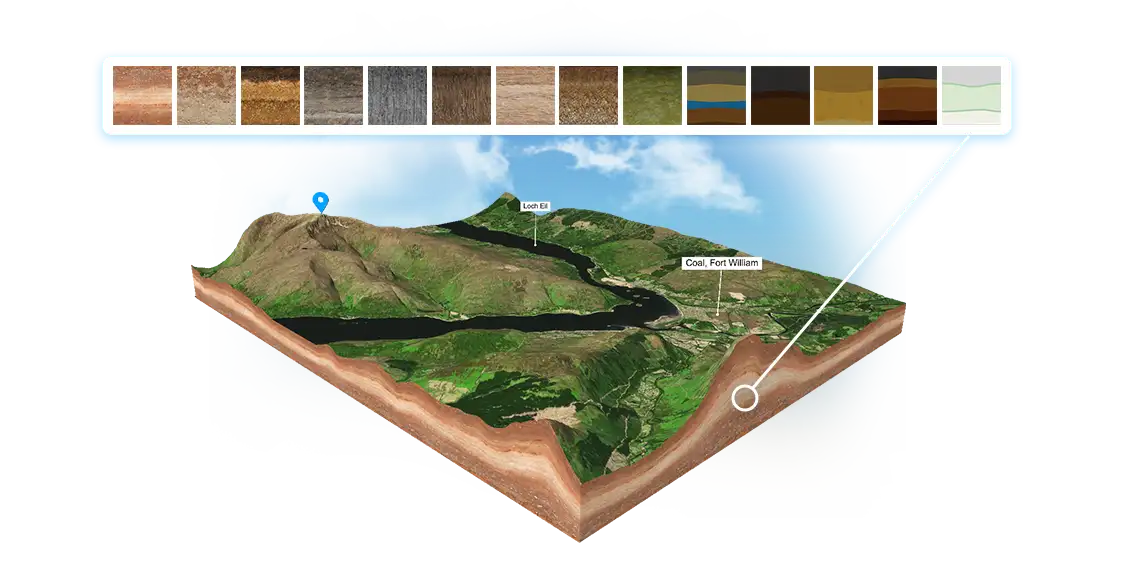
- Stylized Edges: Manage specialized edge textures, custom perimeter accents, and bump maps natively.
- Lighting Controls: Direct lighting intensities, toggle cast shadows, adjust shadow height, and rotate sources.
- Popup Editor: Customize descriptions, links, and map marker images directly from your WP Media Library.
- Safe Deletion: Clear layouts permanently along with all underlying media files to optimize web storage.
- Self-Contained: Essential assets copy natively into your local directory for complete server autonomy.
- Integrated Updates: Connect straight to our automated update checker for continuous pipeline fixes.
How the 3D Map WordPress Plugin Works
Integrating intricate WebGL environments and 3D terrain layouts into WordPress used to be a technical roadblock involving manual server organization and fragile script wrappers. With our native 3D Map Generator Embed Manager, the installation workflow is completely automated and fully self-contained.
After designing your interactive terrain markers and topology layouts in our browser editor, simply export the finished project as an Embed Set (ZIP). Inside your local WordPress dashboard, navigate to the plugin panel and upload this ZIP file with a single click. The background script securely processes and stores all core models, rendering configurations, and environmental assets right in your own workspace. This layout provides an absolute Self-hosted Environment—eliminating tracking delays and dependencies while ensuring high optimization speeds.
Once processed, the plugin serves as your standalone layout hub. Copy the shortcode identifier and place your map seamlessly on any standard page, text editor container, Gutenberg layout block, or specialized Avada/Elementor structures. Displaying your topographies is as quick as posting any basic asset link.
Furthermore, you retain total creative control directly inside WordPress. Tweak global light values, swap custom skybox environments, update popup details using data from your Media Library, or activate zoom locking protocols to ensure smooth scroll mechanics throughout your landing architecture. Keep your interactive terrain perfectly matched to your presentation goals at all times.