Terrain Maker 3d
Create Your Own 3D Landscapes
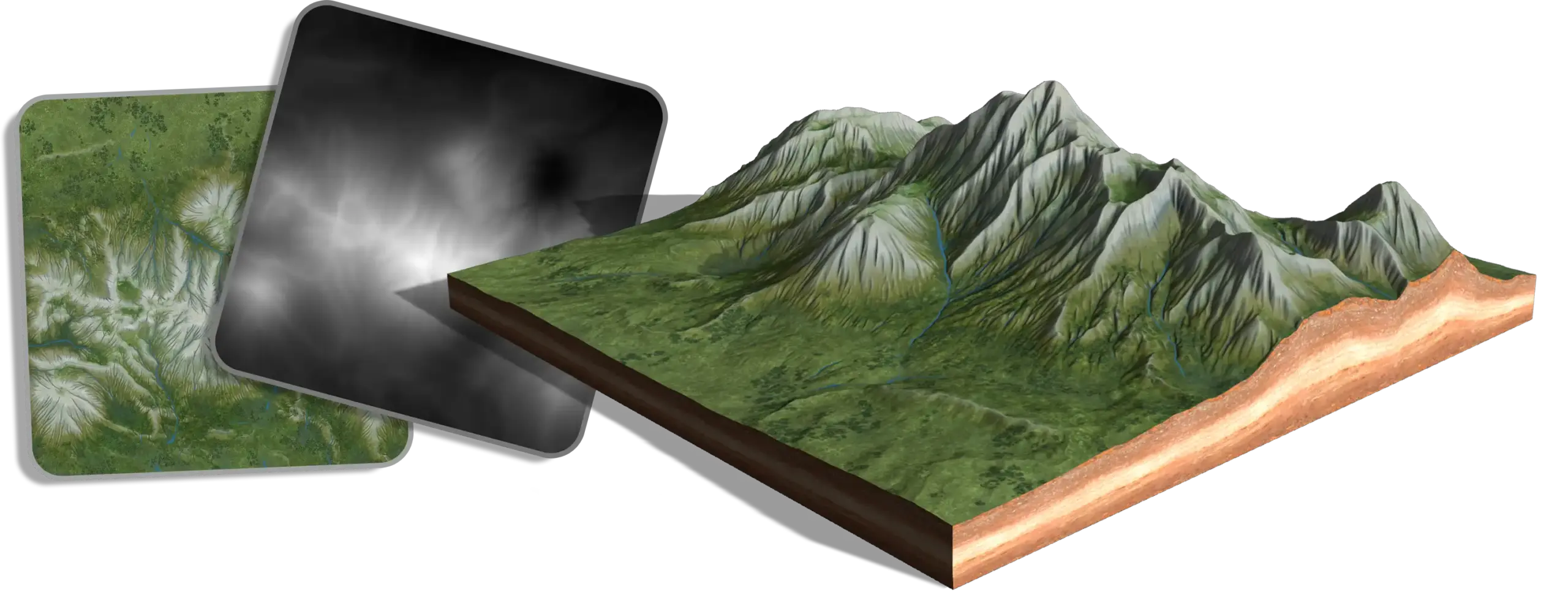
From procedural mountains to a textured landscape in under 2 minutes! Generate, sculpt, erode, and texture custom terrain directly in your browser. Start with procedural mountains, shape the landscape with sculpting tools, add natural-looking erosion, and generate matching terrain textures.
Generate Custom Terrain
Start with one of five procedural terrain generators: Ridged Mountains, Canyons, Noise Hills, Clouds, or Perlin Noise. Adjust the seed, scale, and generator settings to create different landscapes, from gentle hills to rugged mountain ranges.
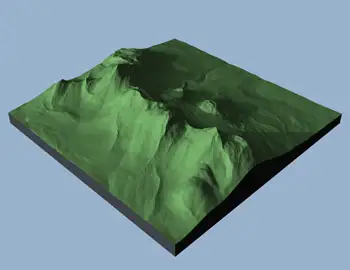
Ridget Mountains
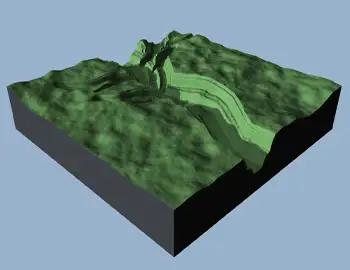
Canyons
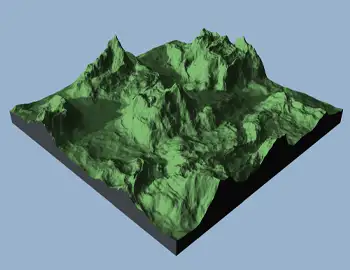
Noise Hills
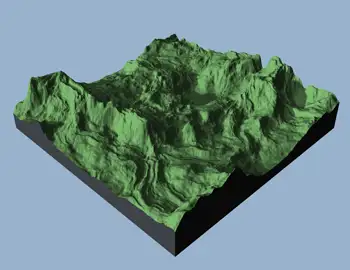
Clouds
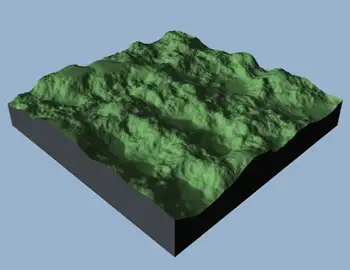
Perlin Noise
Sculpt Your Landscape
Shape your terrain directly in the 3D viewport using interactive sculpting brushes. Raise mountains, flatten areas, carve valleys, create ridges, and add terraces. Adjust brush size, strength, and falloff for precise control over the landscape.
Shape Terrain with Erosion
Add natural-looking detail with hydraulic and thermal erosion. Create drainage channels, soften steep slopes, and refine terrain shapes with adjustable erosion settings. Apply erosion to the entire landscape or use erosion brushes for local changes.
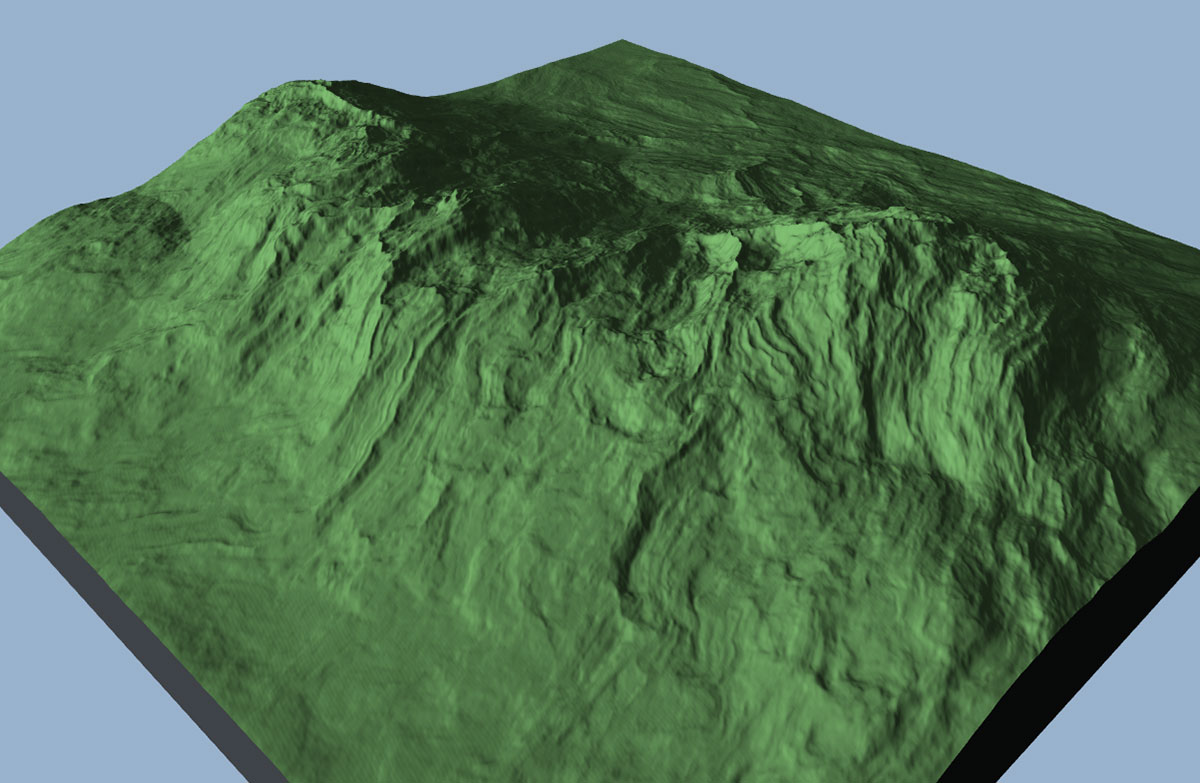
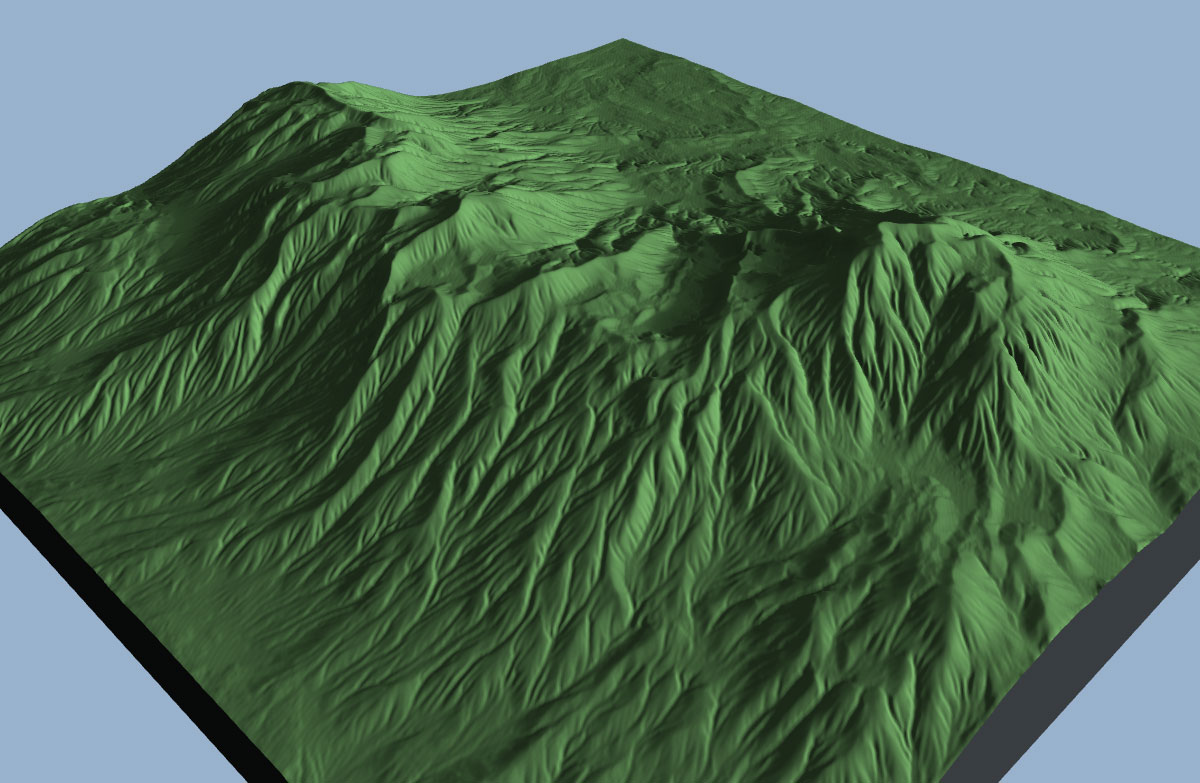
Generate Matching Terrain Textures
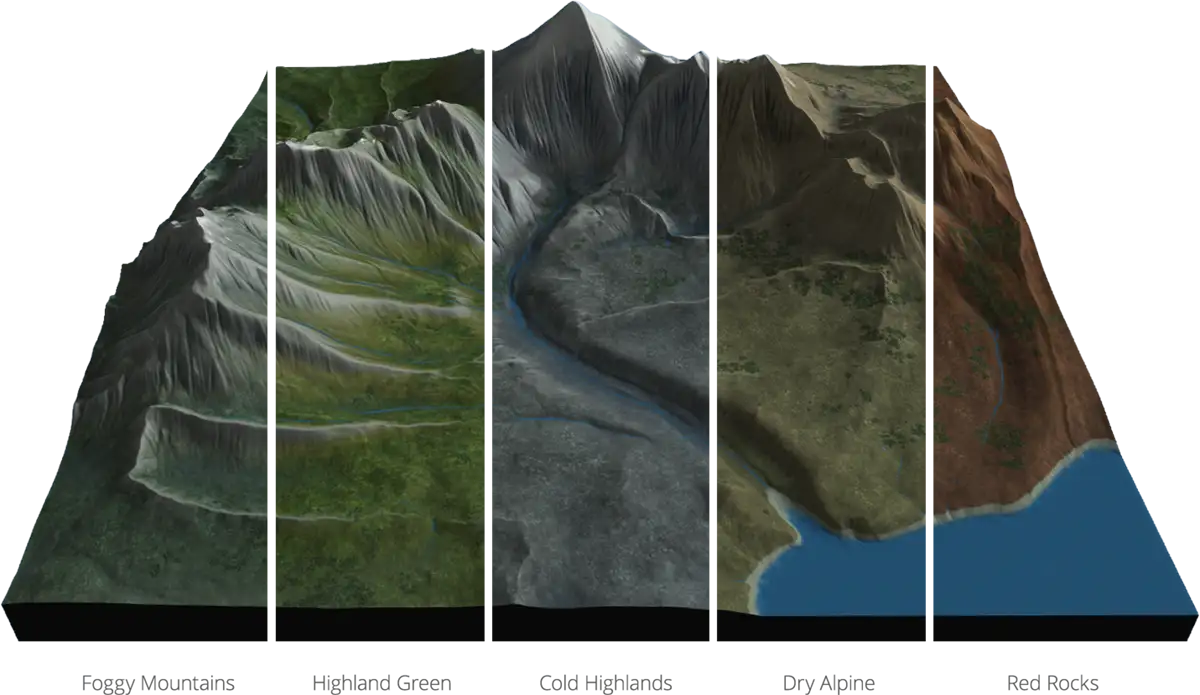
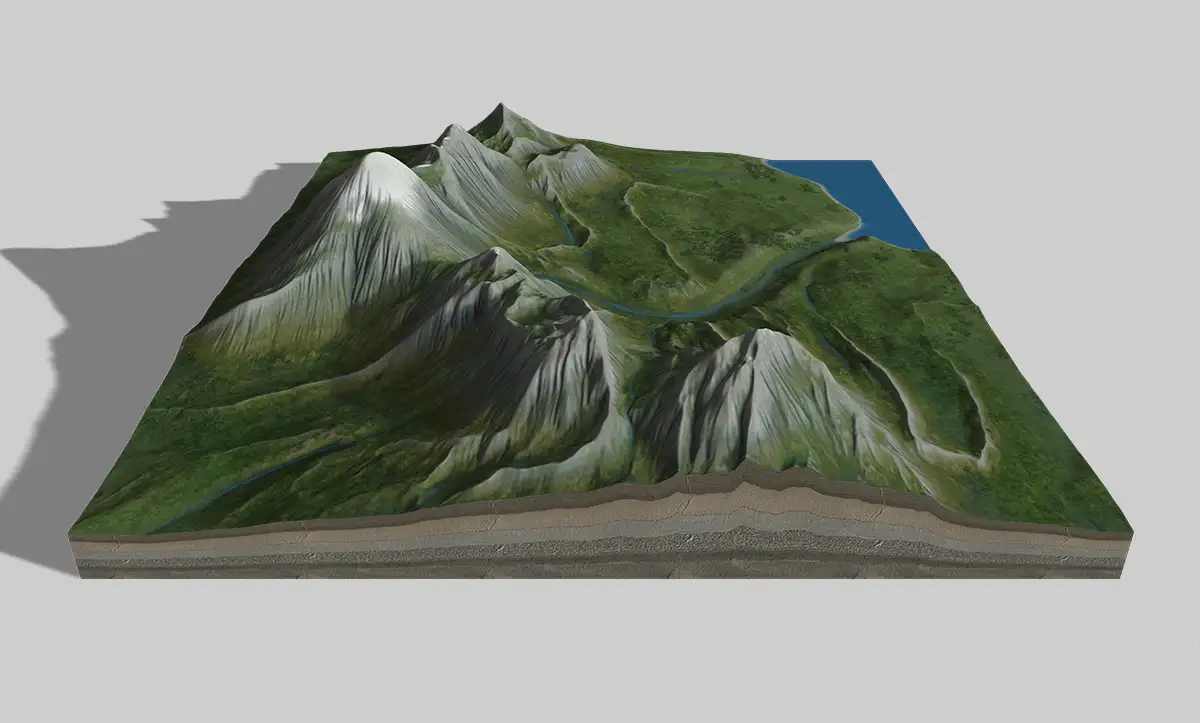
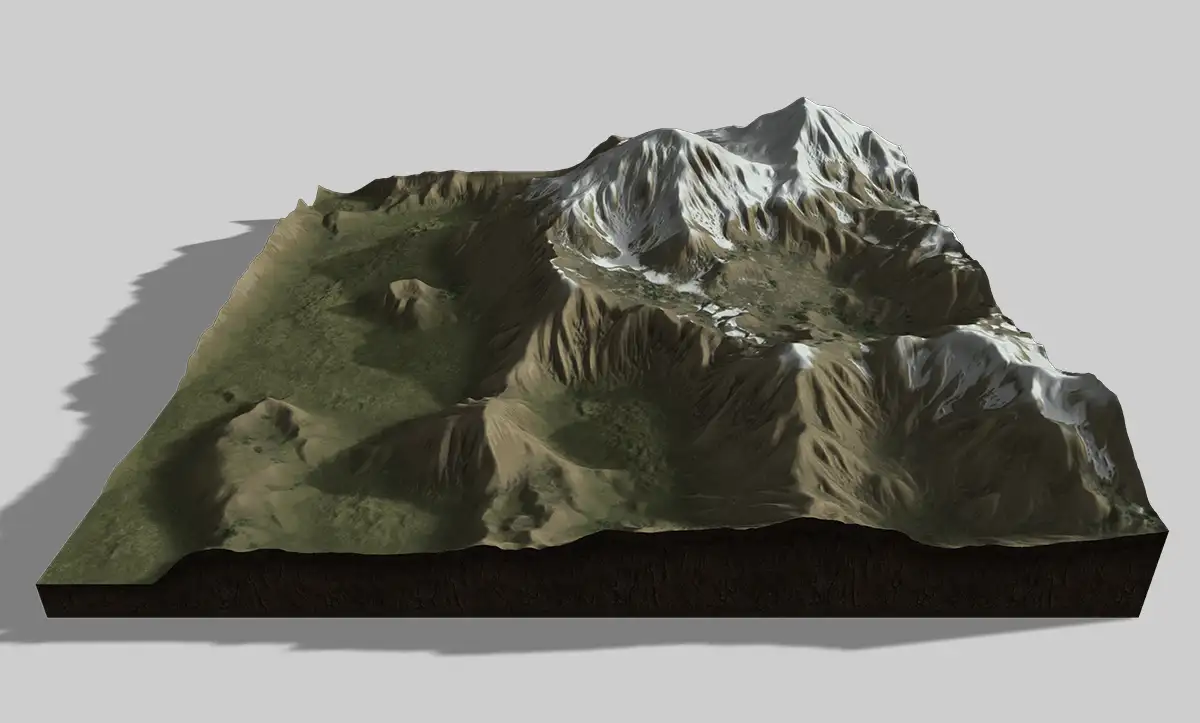
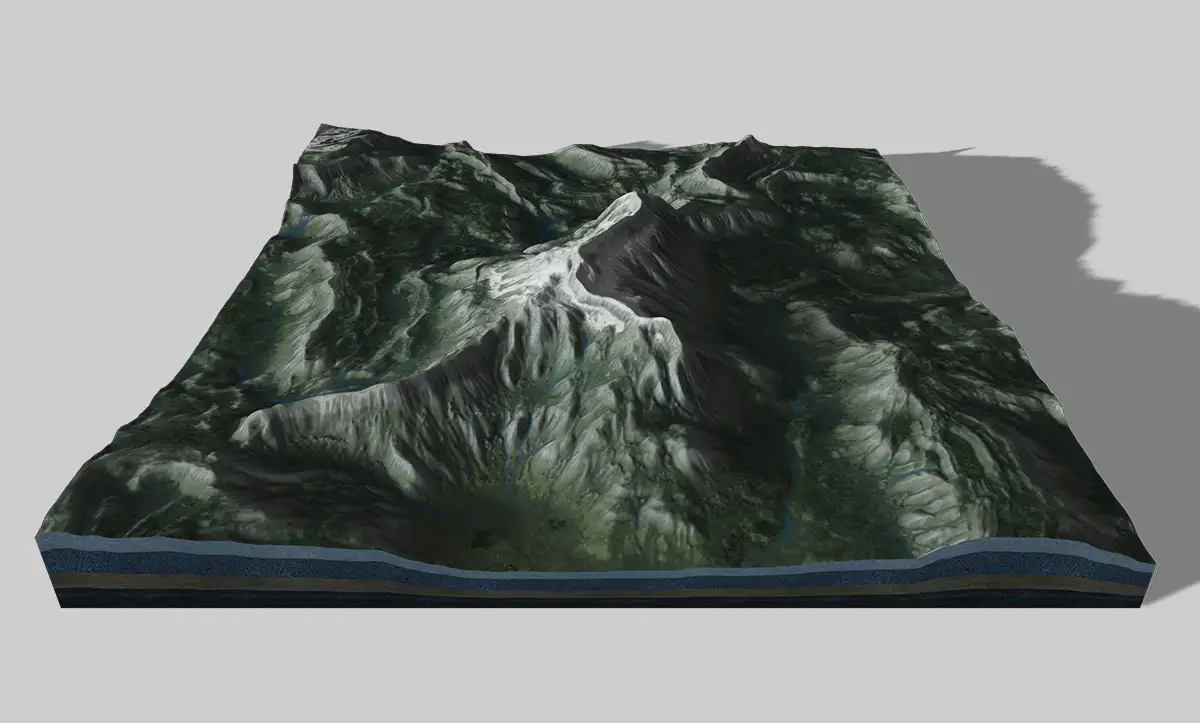
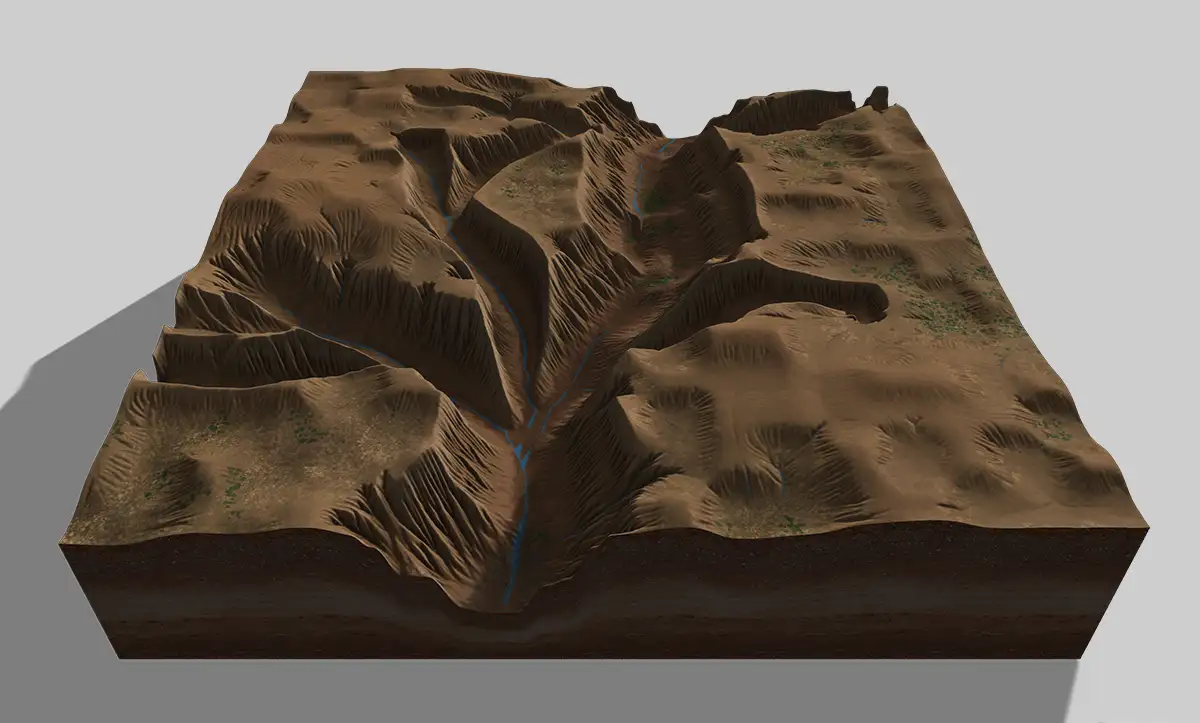
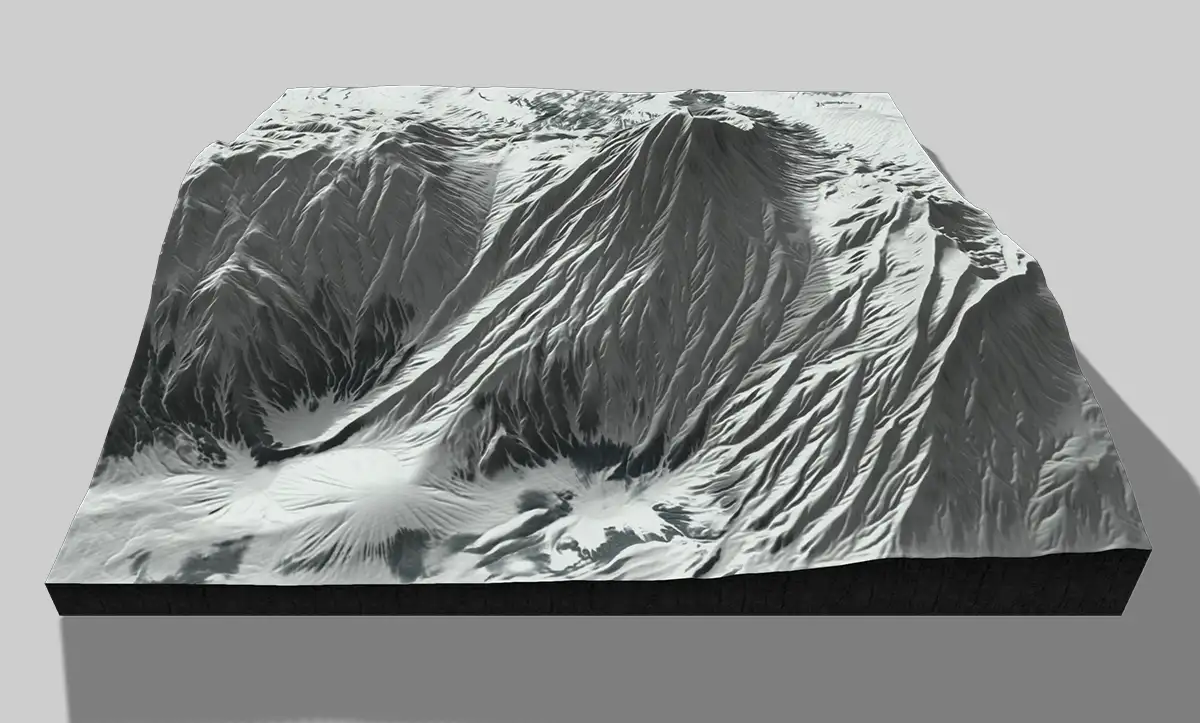
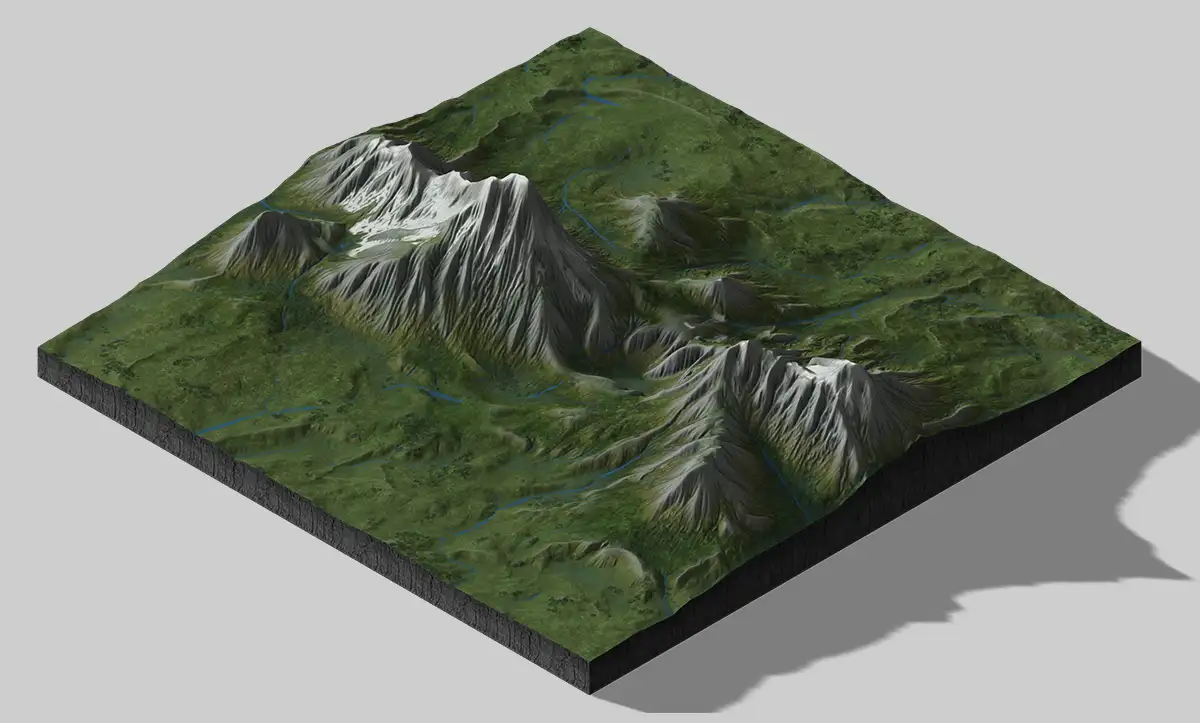
Turn your terrain into a textured landscape with five ready-to-use styles: Highland Green, Foggy Mountains, Cold Highlands, Dry Alpine, and Red Rocks. The texture generator analyzes the terrain to distribute rock, snow, vegetation, and other surface details according to the landscape. Fine-tune colors, slopes, forests, rivers, and surface details to create your own look.
Import and Export Heightmaps
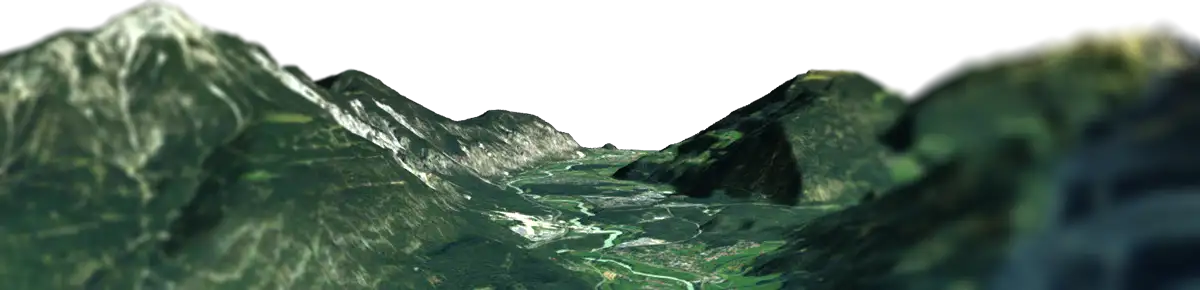
Import existing heightmaps or create new terrain from scratch. Export your finished landscape as an 8-bit or 16-bit grayscale PNG heightmap, together with a generated color texture. Use the files in other 3D applications and terrain workflows.